To change an email account password, first select the correct package from your Products & Services list: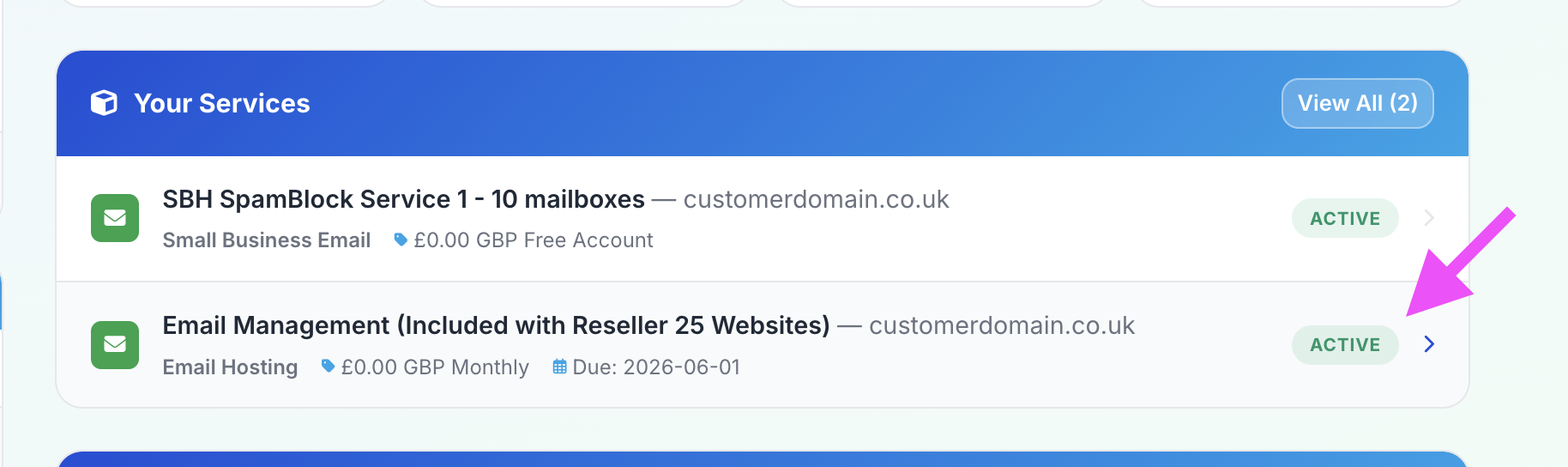
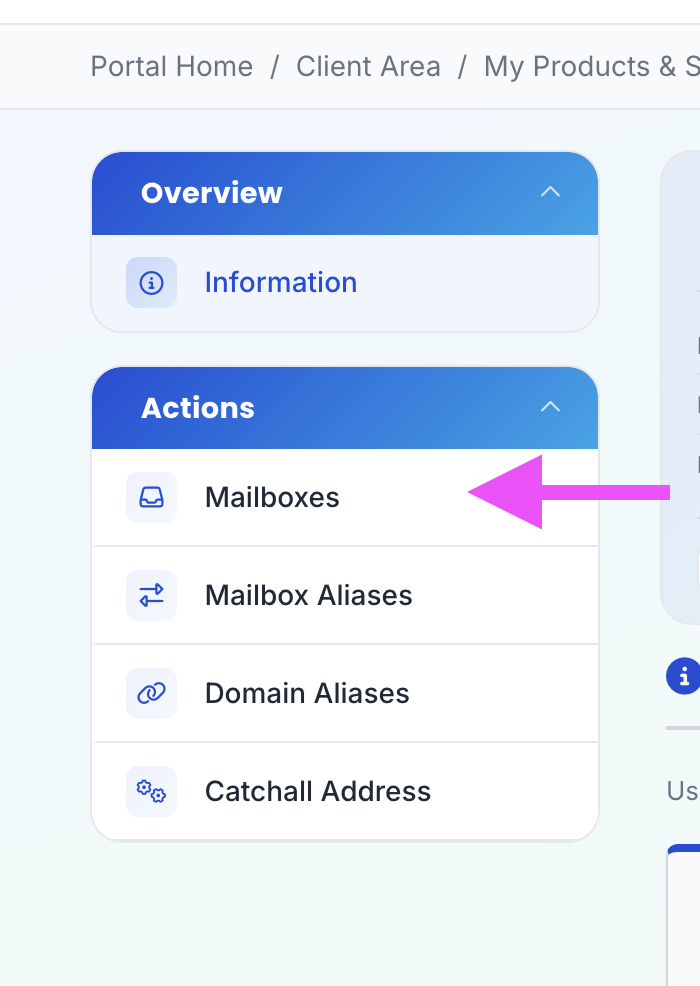
Then click Mailboxes in the sidebar on the left:
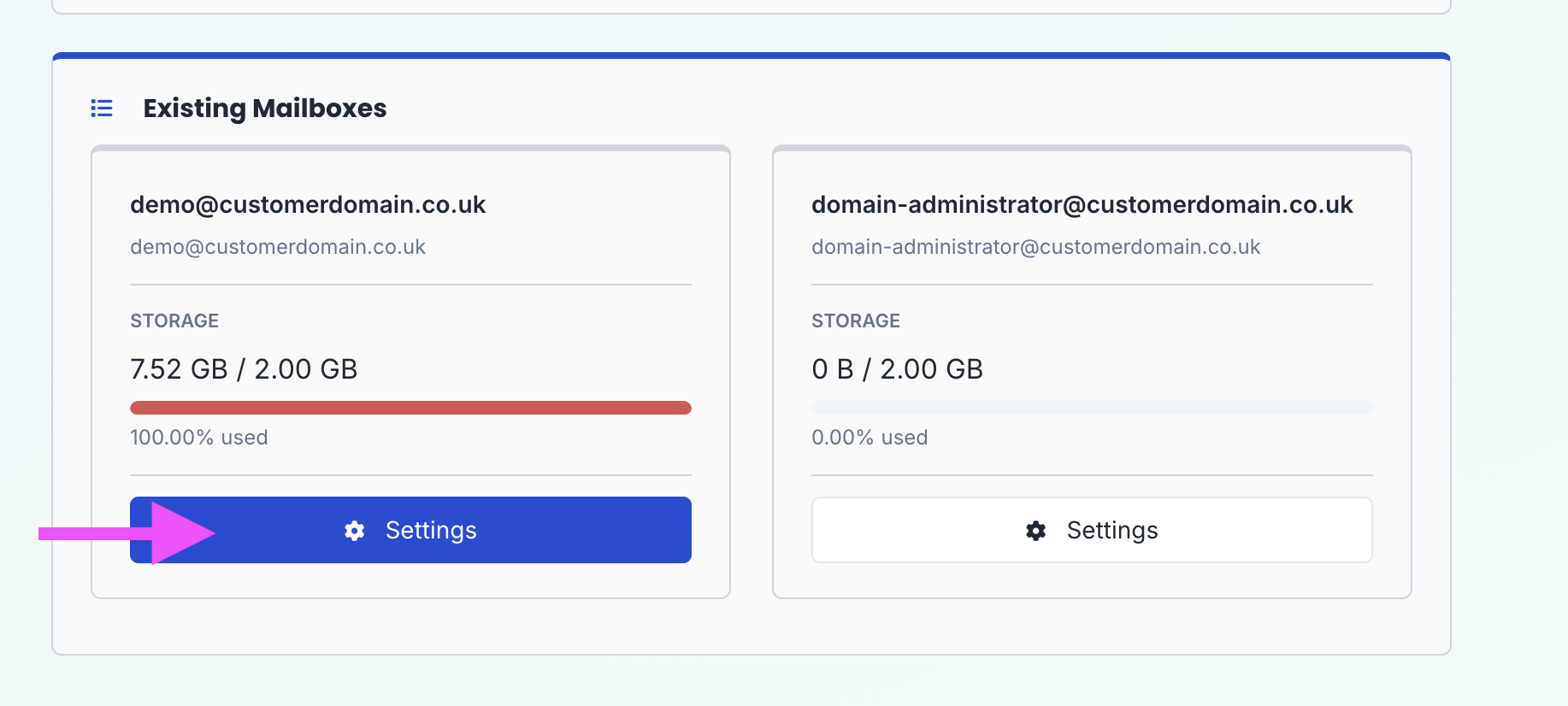
Then click Settings for the mailbox in question:
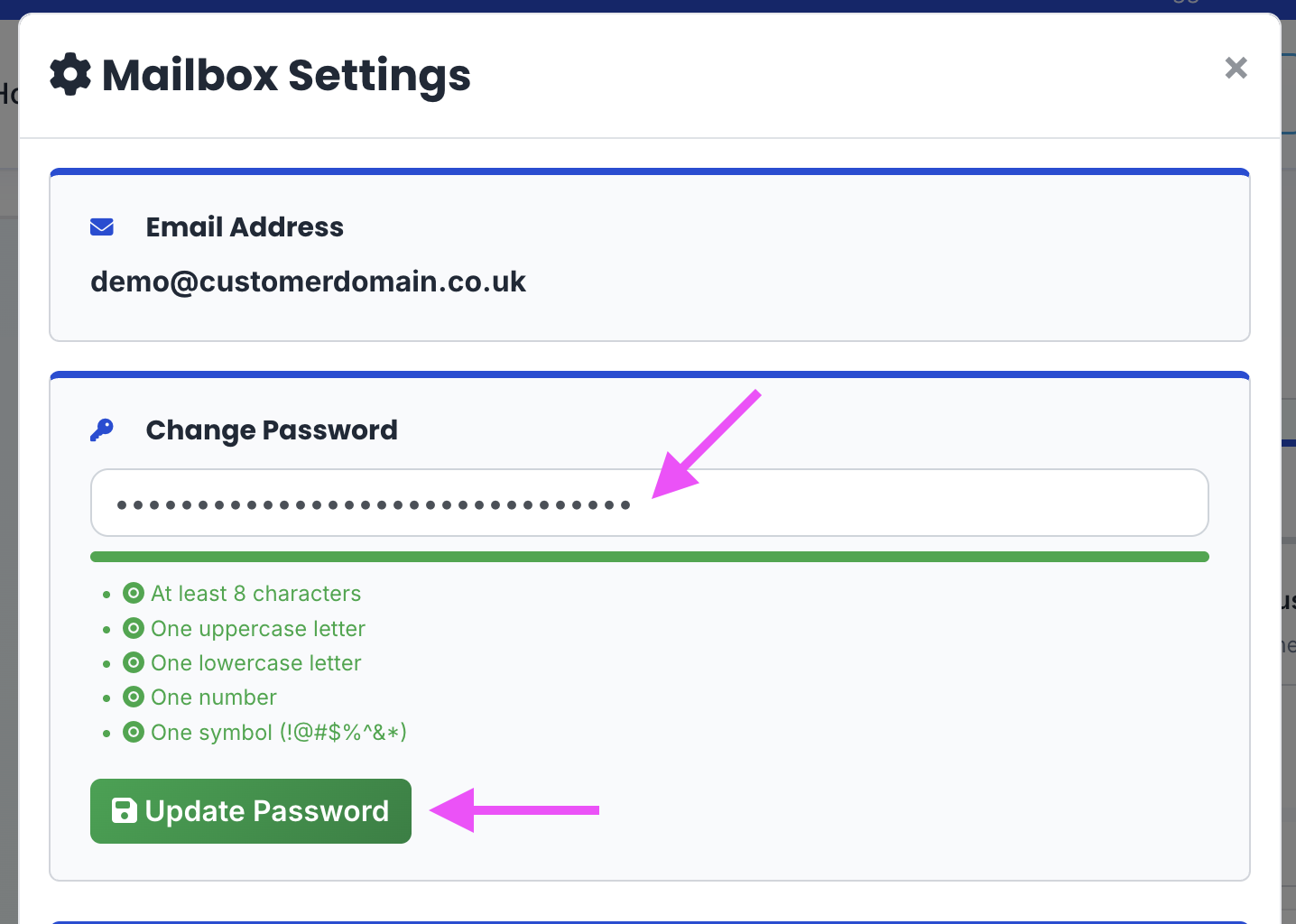
Then in the Change Password section, enter the new desired password, and click Update Password.
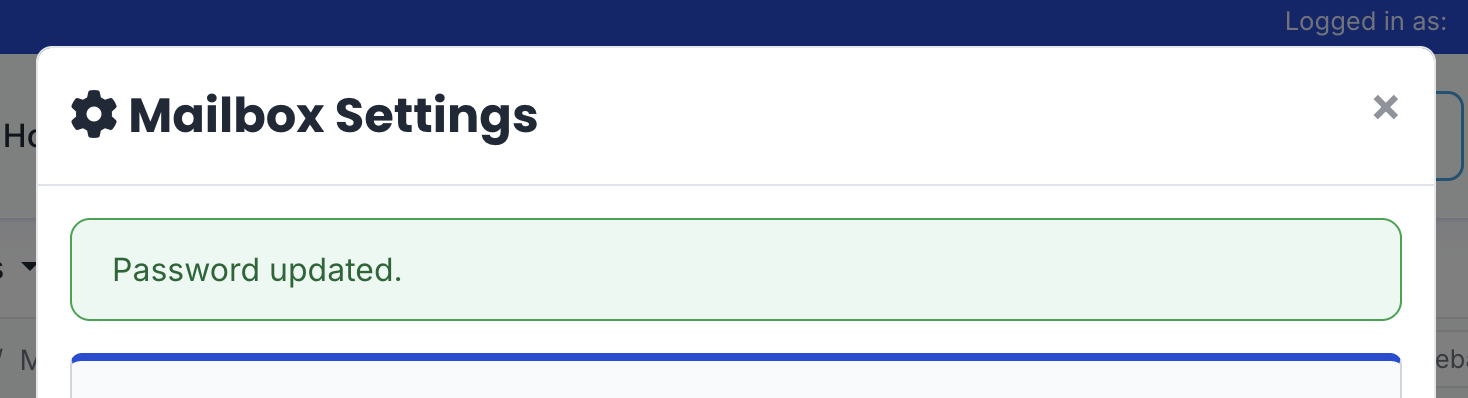
You should then see a green notice confirming the password has been changed.